How To Recover Files Deleted from Windows Vista Recycle Bin?
Do you know the significance of Recycle Bin on your Windows Vista system? Windows Vista Operating System helps you to save your files deleted accidentally from your partitions by storing them on Recycle Bin. You can restore them back to the same location using the Restore option. But what if you have deleted the files from the Recycle Bin folder or emptied the Recycle Bin folder itself, and want to recover some files that were recently deleted? Don't worry! Continue reading the article to know how to recover files that are deleted from the Vista Recycle BIn folder..!
Consider a scenario, where you selected a group of files to copy it to your pen drive. Instead of selecting copy option you clicked on delete option and deleted the files. You might not panic since you had the confidence that the deleted files will be present in Recycle Bin. But on opening the Recycle Bin and making a search of those files, you found that they have gone missing. On investigating that what might be gone wrong, you find that someone has selected Recycle Bin setting “Don’t move files to Recycle Bin. Remove files immediately when deleted”. The files you deleted were so important to you that you immediately started searching for a recovery tool on Google. Well, Google suggests you many tools but you can’t find any other better tool than Recycle Bin Recovery tool that can recover files deleted from the Recycle Bin and retrieve them back to use.
Scenarios wherein files get deleted permanently from Windows Vista Recycle Bin:
- Unintentional deletion: Sometimes file that gets stored on Recycle Bin of your Windows Vista PC gets unintentionally deleted by users when they accidentally press on delete button instead of pressing restore or other options. Such scenarios can be retrieved with the use of the Recycle Bin Recovery software that is compatible with the Windows Vista operating system. and also allows you to restore deleted files from the recycle bin within a few simple mouse clicks.
- Files bypassing Recycle Bin: Every Windows operating system has a maximum defined size of a file that has to be satisfied to get stored on Recycle Bin upon deletion. When files exceeding 10% size of Recycle Bin size are deleted from the system they bypass the Recycle Bin and get deleted permanently from your system.
- Data loss when Recycle Bin full: Recycle Bin capacity on Windows Vista operating system is about 10% of the disk storage capacity. If the Recycle Bin is fully occupied with files then it starts deleting the older files automatically to store newly deleted files from the system.
NOTE: Once you delete the files from Recycle Bin folder, or empty the Recycle Bin folder after simple deletion of files, and want to restore some files back, then immediately stop using the hard drive partition from where files are deleted. This is because to avoid overwriting of the files. If the files that were recently deleted are replaced with the new files on the Vista hard drive, then it's not possible to restore them back.
Free Recycle Bin Recovery Tool to Restore Files Deleted from Recycle Bin in Windows Vista
Recycle Bin Recovery is unique and best quality tool that has the ability to restore all the files deleted from your Windows Vista Recycle Bin. This software can restore deleted files from the Recycle Bin and provides a real-time preview of its content. This tool can identify and recover any file types with the assistance of its powerful inbuilt algorithms. It can effectively restore files too big for recycle bin folder just by following a few simple mouse clicks.
Once the recovery process is done, you can save your files on any storage media connected to your Windows Vista system. This tool helps you to restore videos from Recycle Bin including other files which include audio, images, documents, animations, etc. It supports to recover recycle bin in Vista system and also recover files from hard disk, FireWire, USB Drive, flash card, etc. With the help of this amazing tool, you can also restore files deleted from recycle bin Windows 10 laptops or desktops without any more difficulty. The tool is compatible with other Windows OS including Windows 10, 8 & 8.1, 7, Server 2003 & 2008, XP, and Windows 2000.
Steps to recover files deleted from Recycle Bin in Windows Vista:
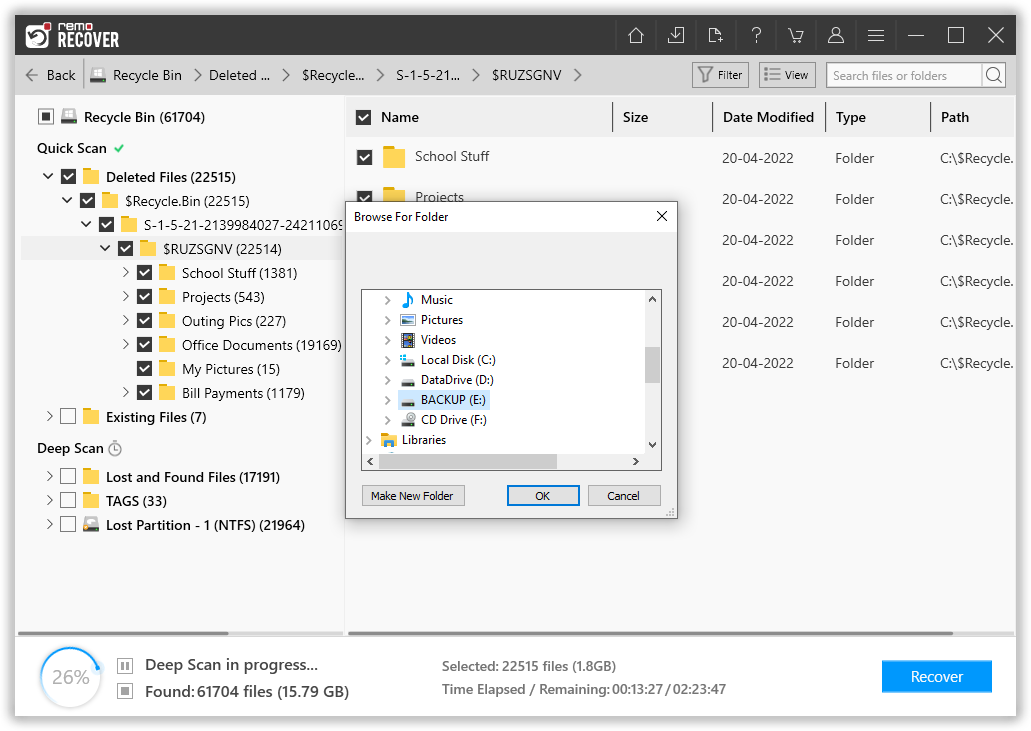
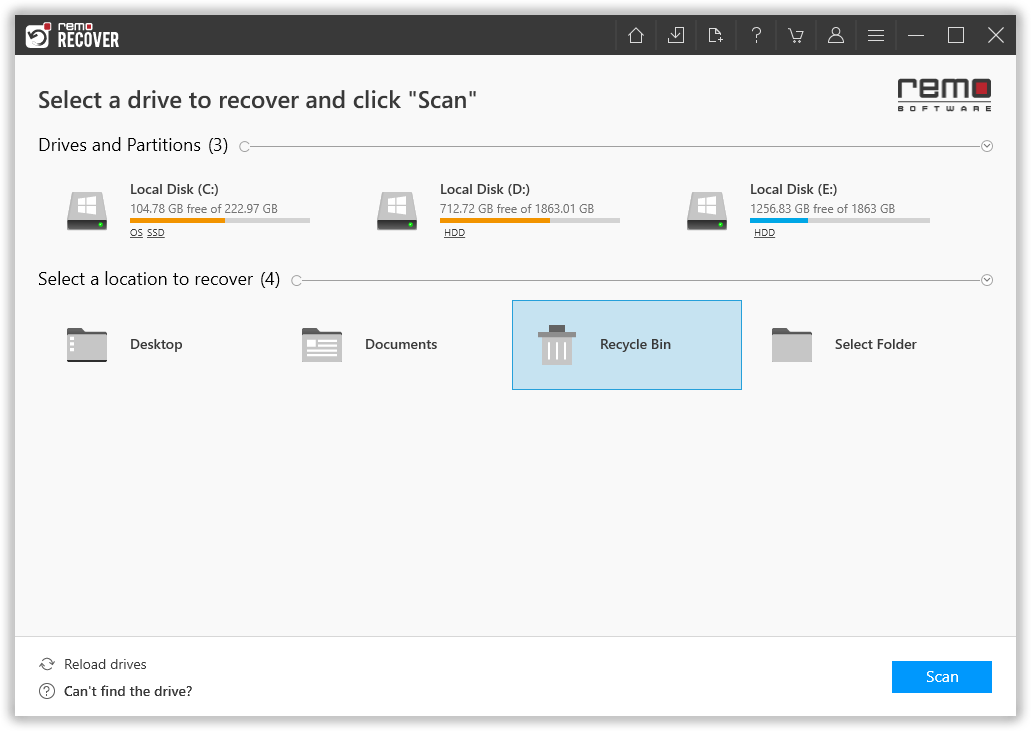
Step 1: Launch the Recycle Bin Recovery software and select Recycle Bin Folder and hit the Scan button to start the Recycle Bin recovery process.
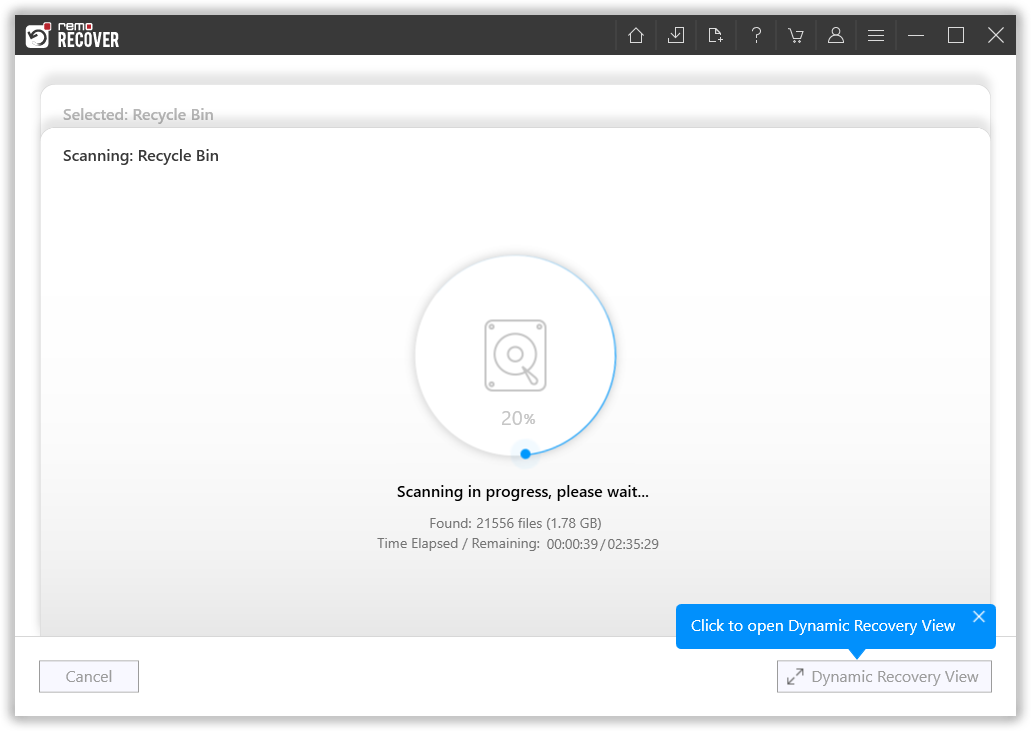
Step 3: Tool starts scanning for the files lost or deleted from the Recycle Bin.
Step 2: When the drive/folder scan begins, you can make use of the Dynamic Recovery View option to view and restore files as and when the scan progresses.
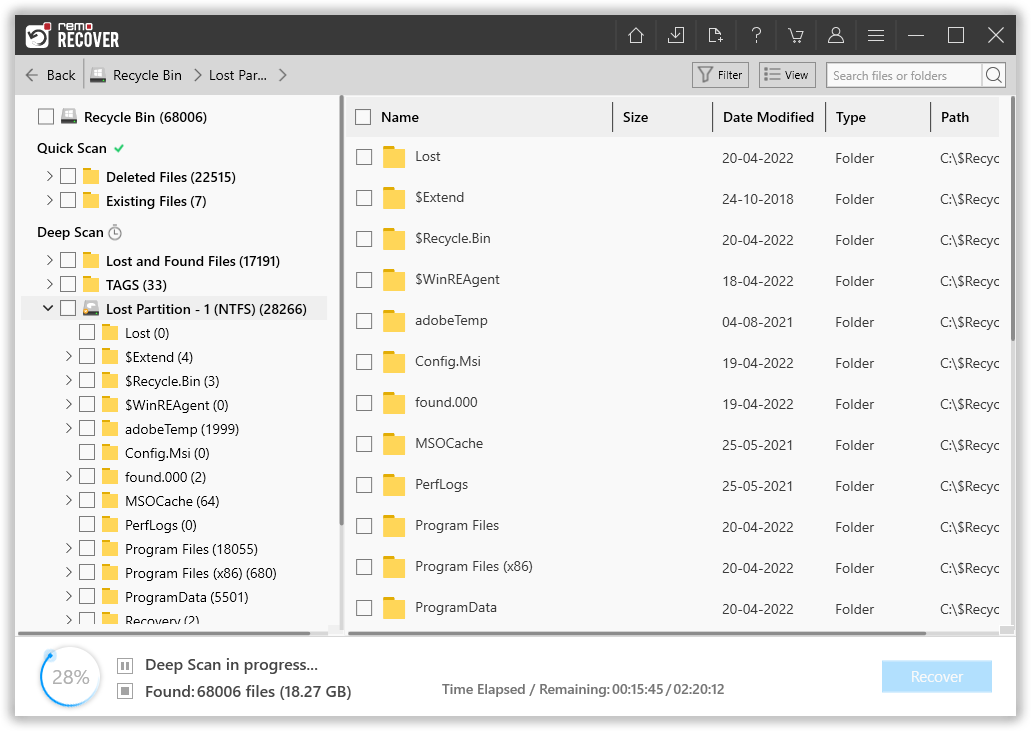
Step 4: Once the tool is done scanning the entire Recycle Bin folder. A comprehensive list of all recovered files gets displayed on your screen.
Step 5: You are allowed to preview the restored file items. Simply Double-click on any recovered file to Preview it..

Step 6: Select a destination folder where you want to save the recovered data from the Recycle Bin.